
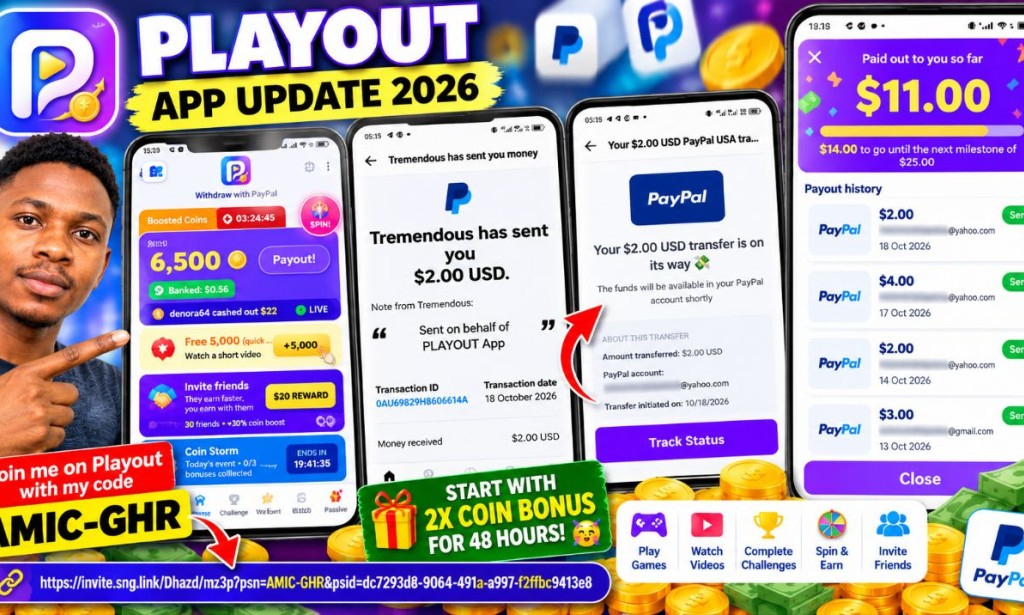
Playout App Update: Another $2 PayPal Payment Received? Latest Earnings Proof (October 2026)
Hello everyone, welcome back to Amica Review! I have another update on the Playout app. On October 18, 2026, I received a new $2 payment notification from Tremendous on behalf of Playout. In this article, I will explain what the notification shows, how the app works, and how to explore its referral features.
Join me on Playout with my code AMIC-GHR and start with 2x coin bonus for 48 hours! 🥳
https://invite.sng.link/Dhazd/mz3p?psn=AMIC-GHR&psid=dc7293d8-9064-491a-a997-f2ffbc9413e8
💰 Latest Playout Payment Update
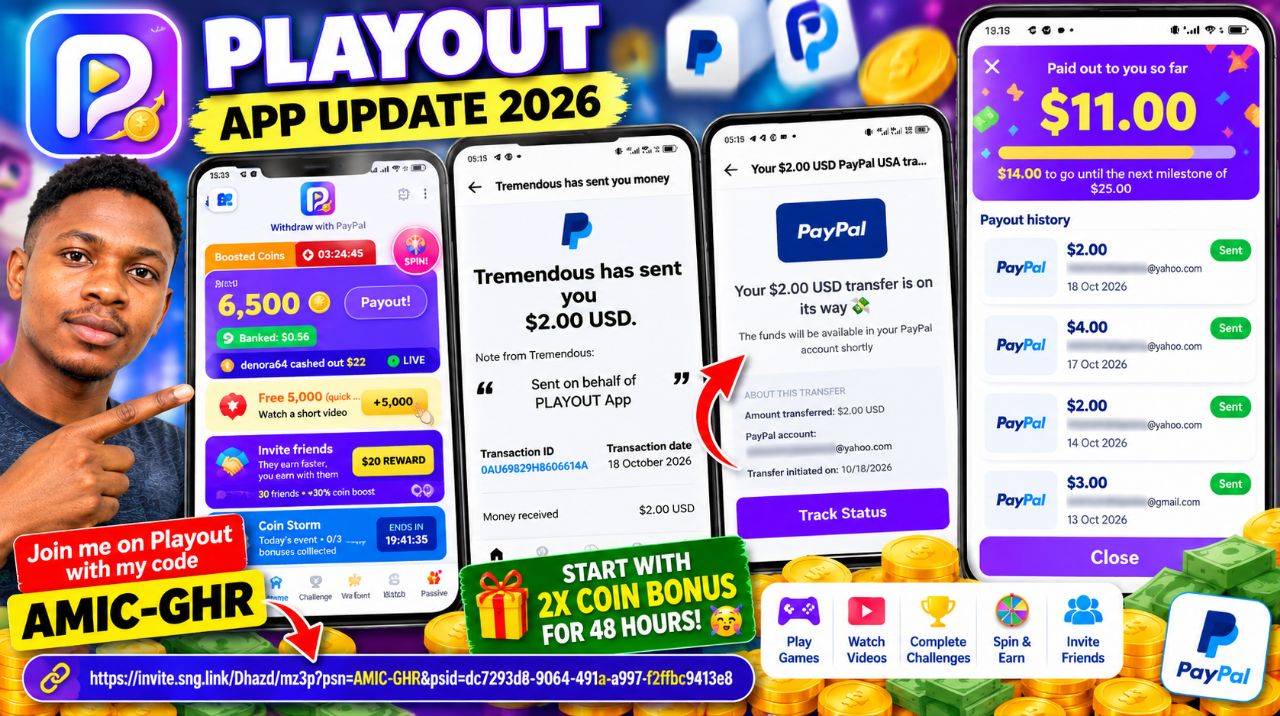
The latest payment notification shows a $2.00 USD PayPal transfer dated October 18, 2026. The payment page stated that the money was on its way to my PayPal account.
| Payment Date | Amount | Method |
|---|---|---|
| October 18, 2026 | $2.00 | PayPal |
| October 17, 2026 | $4.00 | PayPal |
| October 14, 2026 | $2.00 | PayPal |
| October 13, 2026 | $3.00 | PayPal |
| Total displayed | $11.00 | Listed rewards |
Note: The dashboard displays $11 in total rewards. The newest $2 transfer was marked as being on its way, so check your PayPal activity to confirm when the funds arrive.
🎮 How Does Playout Work?
Playout combines mobile games and reward activities. Based on the app dashboard, users can explore the following features:
- Play games: Choose available games and complete levels or tasks.
- Watch videos: The dashboard advertises a video task offering 5,000 coins.
- Lucky Spin: Spin the wheel for possible coin multipliers and additional coins.
- Daily challenges: Complete event tasks to pursue available bonuses.
- Invite friends: Explore the referral program and its reward conditions.
Keep in mind that coins are not necessarily equivalent to cash. Check the app's payout requirements before expecting to withdraw your displayed balance.
👥 Playout Referral Method
To explore the referral feature, open Playout and tap Invite Friends. Check your invitation link and share it with people who genuinely want to try the app.
The dashboard advertises a $20 referral reward and a 30-friend coin-boost promotion. However, the exact eligibility conditions are not established by the displayed information. Read the app's official terms before relying on these rewards.
💳 How to Check Your Playout Earnings
- Open the Playout app.
- Check your banked balance on the home screen.
- Open the menu and select My Earnings.
- Review the payout history and payment status.
- Follow the available payment instructions and check your PayPal account for completed transfers.
⚠️ My Advice
My latest update shows $11 in listed rewards, including a new $2 payment notification. However, a payment notification alone does not establish that the funds have arrived in your PayPal balance. Always verify completed payments independently.
Avoid depositing money or making financial decisions based solely on promotional earnings claims. Test the app carefully and keep records of your activities and payments.
📝 Final Thoughts
This is my latest Playout app update for October 18, 2026. I will continue sharing my experience with its games, referral features, and payment updates here on Lodpost.com.
For more online earning tutorials, app reviews, and payment updates, follow Amica Review.
Disclaimer: This article shares my personal experience and the payment information displayed to me. Your results may differ, and rewards are subject to the app's terms and eligibility requirements.


You must be logged in to post a comment.