
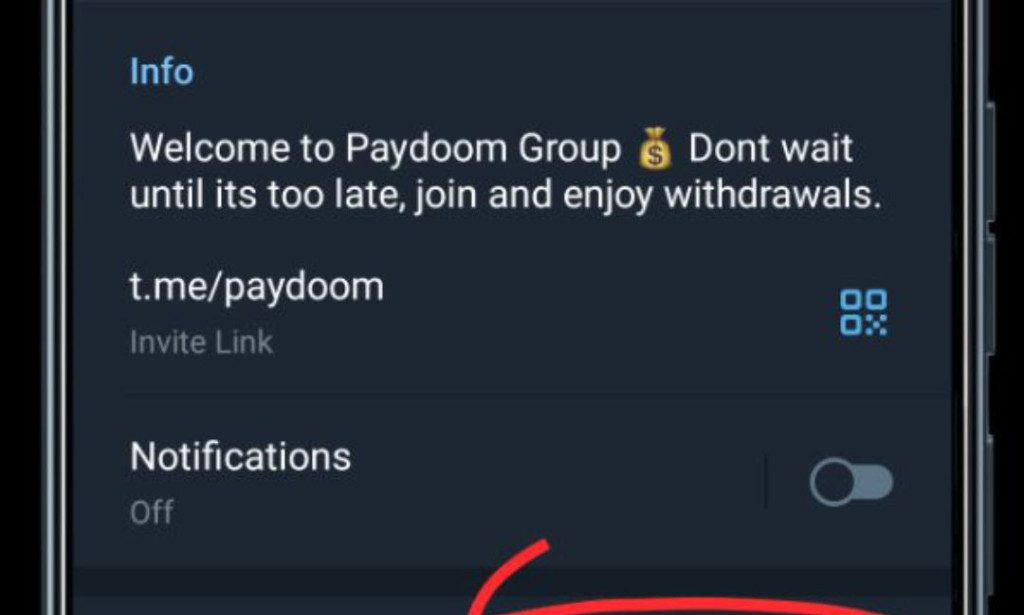
As users have become increasingly aware of the dubious nature of PayDoom, a platform promising lucrative earnings that turned out to be nothing more than a scam, the imperative to sever ties with this fraudulent endeavor has become apparent. If you've found yourself entangled in the web of PayDoom and now seek a way out, fear not – I'm here to guide you through the process of canceling your PayDoom account.
Paydoom deactivate account
Why Consider Closing Your PayDoom Account?
The revelation that PayDoom is a scam has undoubtedly left many users disillusioned and concerned about the safety of their personal information. Closing your PayDoom account is a proactive step to protect your privacy and prevent any further misuse of your details by the unscrupulous operators behind this fraudulent platform.
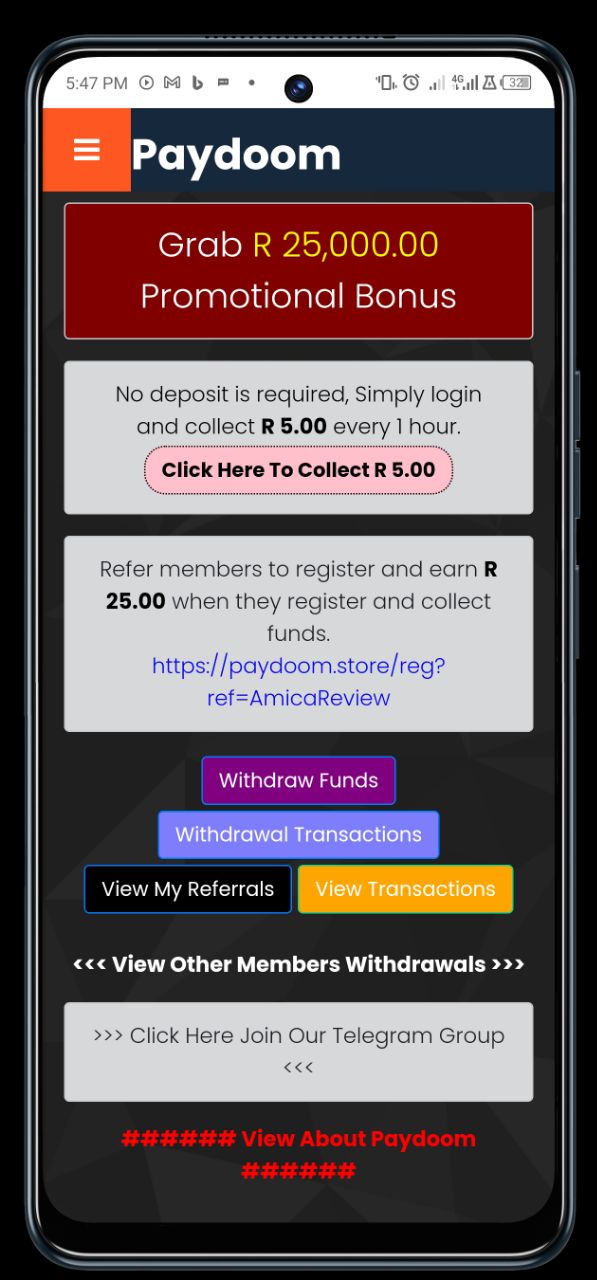
Steps to Cancel Your PayDoom Account:
1. Access Customer Support: Begin by reaching out to PayDoom's customer support. The official Telegram group is typically the primary mode of communication. You can find the link on their website or within the app.
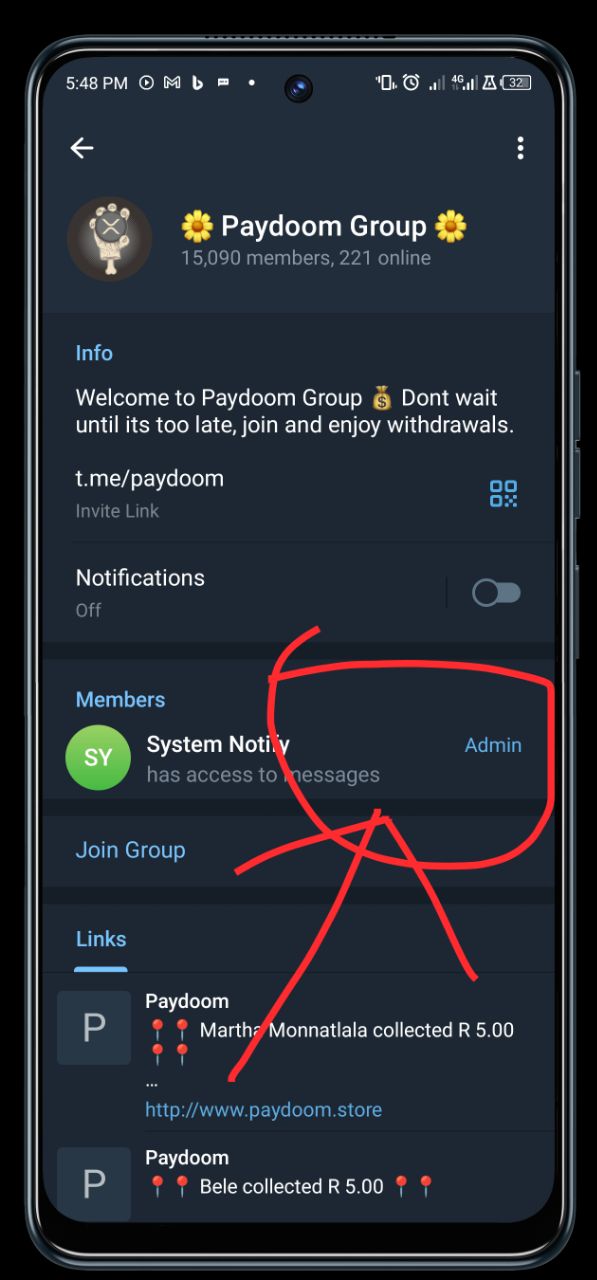
2. Express Your Intentions: Clearly state your intention to close your PayDoom account. You may want to mention that your decision is a direct result of discovering PayDoom's true nature as a scam.
3. Provide Identification Details: Be prepared to furnish identification details for verification purposes. This could include your username, email address, or any other information they may request to confirm your identity.
4. Request Personal Data Deletion: Explicitly request the deletion of your personal information from PayDoom's database. Emphasize the importance of complete data erasure to protect your privacy.
5. Wait for Confirmation: Once you've submitted your request, await confirmation from PayDoom's support team. A responsible platform should acknowledge your request promptly and confirm the closure of your account.

Cautionary Notes:
- Exercise Caution with Personal Details: During the closure process, avoid providing unnecessary personal details. Stick to the information required for identification purposes.
- Verify Deletion: After the closure, verify that your personal information has been completely deleted to ensure the safeguarding of your privacy.
In the aftermath of the PayDoom scam, taking control of your digital presence by closing your account is a prudent move. By following these steps, you reclaim a sense of security and privacy that has been compromised by the deceitful practices of PayDoom. Remember, vigilance is your greatest ally in the realm of online platforms, and empowering others with your experiences can contribute to a safer digital landscape. Stay informed, stay secure.


You must be logged in to post a comment.