
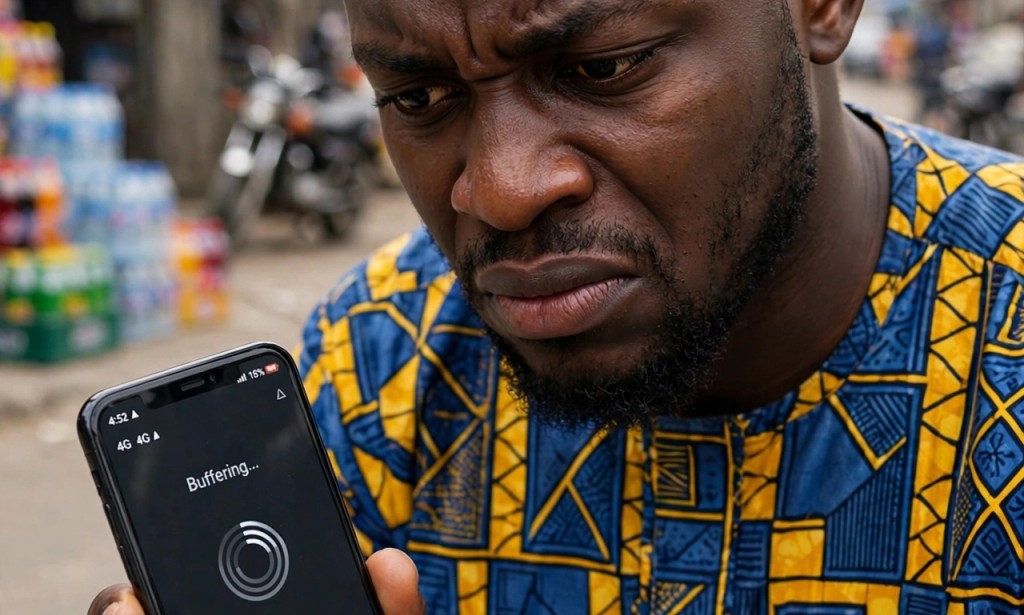
If you buy 5GB data on Monday and it finishes by Wednesday even though you did not watch many videos, the problem is not your network provider. It is three hidden settings inside your phone that are silently consuming your data in the background.
The first setting is background app refresh. Many apps like Facebook, Instagram and TikTok continue to refresh and download new videos even when you are not using them. To stop it, go to your phone settings, click on apps, and turn off background data for apps you do not use often. This alone can save you up to 2GB every month.
The second setting is auto play videos. Both Facebook and Instagram automatically play videos as you scroll. Each video consumes up to 50MB. If you scroll 20 videos, that is already 1GB gone. Go to Facebook settings, click on media, and turn off auto play. Do the same for Instagram.
The third setting is cloud backup. Google Photos and WhatsApp backup all your photos and videos every night using your data. Change the backup setting to WiFi only. Go to Google Photos, click on settings, then backup, and select WiFi only.
After turning off these three settings, your data will last two times longer than before. Many Nigerians in Lagos who tried this now use 5GB for two weeks instead of 3 days.


You must be logged in to post a comment.