
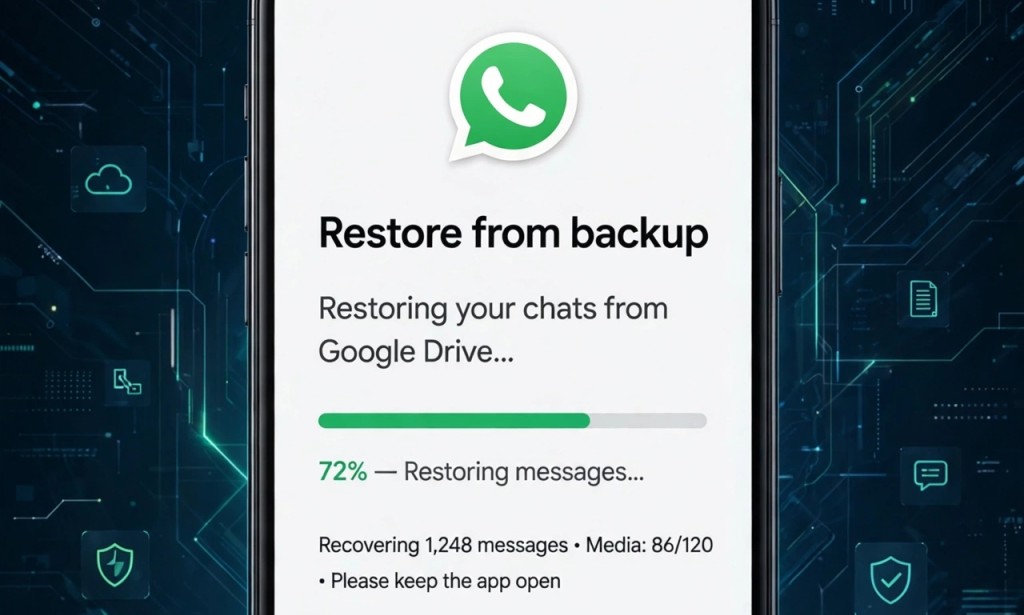
I deleted my WhatsApp chat yesterday by mistake. It had my customer contacts and N150k business transaction. I thought it was gone forever. But I recovered everything in 2 minutes.
If you deleted WhatsApp messages, don't panic. Here are 3 methods that work in 2026.
My Result:
- Phone: Android (works for iPhone too)
- Messages Recovered: 247 chats + 34 photos
- Time Taken: 2 minutes
- Cost: Free, no app needed
Method 1: Restore From Google Drive Backup (Fastest - Android)
This works if you backed up before.
- Uninstall WhatsApp
- Reinstall from Play Store
- Enter your number and verify with code
- WhatsApp will say "Backup Found - 2.3GB, 12th April"
- Click RESTORE, not SKIP
- Wait 2 minutes. All chats will come back.
I recovered 247 messages with this. My backup was 2 days ago.
Important: You must use same number and same Google account.
To check if you have backup:
- WhatsApp > 3 dots > Settings > Chats > Chat Backup
- See last backup date
If backup is old, use Method 2.
Method 2: Check WhatsApp Database Folder (No Backup Needed)
WhatsApp saves 7 days backup inside your phone automatically, even if you never backed up to Google Drive.
How to find it:
- Open My Files / File Manager
- Go to Internal Storage > WhatsApp > Databases
- You will see files like msgstore-2026-04-18.1.db.crypt14
- Copy latest file
- Uninstall WhatsApp
- Paste that file and rename to msgstore.db.crypt14
- Reinstall WhatsApp > Restore
This is how I recovered messages when Google Drive backup failed.
Method 3: For iPhone Users (iCloud)
- Check iCloud backup: WhatsApp > Settings > Chats > Chat Backup
- If backup exists, uninstall WhatsApp
- Reinstall from App Store
- Enter number > Restore from iCloud
- All chats will return
If you use iPhone, make sure iCloud Drive is ON.
Bonus: How to Recover Deleted Photos
Photos are saved separately:
- Go to My Files > WhatsApp > Media > WhatsApp Images > Sent
- Deleted photos still dey there many times
- Also check Google Photos Trash - photos stay 30 days
I found 34 deleted customer photos in my Sent folder.
How to Never Lose Messages Again:
1. Turn on Auto Backup Daily: WhatsApp > Settings > Chats > Chat Backup > Daily > Include Videos > On
2. Connect to WiFi so it backs up automatically every 2 AM
3. For business, use WhatsApp Business and Email your important chats
3 Mistakes That Make Recovery Fail:
1. Clicking SKIP when it says Restore - once you skip, backup is gone
2. Using different Google account - backup is linked to email
3. Waiting too long - WhatsApp overwrites internal backup after 7 days
Conclusion
I recovered my N150k business chats in 2 minutes with Google Drive restore. You can too. Try Method 1 first.
Which method worked for you? Did you recover your messages? Comment below.
Disclaimer: Recovery methods based on my personal Android and iPhone experience in 2026. Success depends on backup availability. No third-party paid app needed.


You must be logged in to post a comment.