

🎮 HOW TO DOWNLOAD AND INSTALL GTA ON YOUR PHONE OR PC
Are you a fan of action, adventure, driving, and open-world games? 🔥🎮 If yes, you have probably heard of Grand Theft Auto (GTA)!
GTA is a popular video game series that lets players explore large virtual cities, drive vehicles, complete missions, and enjoy different adventures.
In this article, you will learn how to find GTA game files, download the game safely, and install it on your device.
🎮 1. Choose the GTA Game You Want
There are different GTA games available, including:
GTA: Vice City
GTA: San Andreas
GTA III
GTA V
GTA: Liberty City Stories
Note: Not every GTA game is available for every device. Check that your chosen version supports your phone, computer, or gaming console.
📱 2. Download GTA on Android
If you want to play GTA on your Android phone:
1. Open the Google Play Store.
2. Search for the specific GTA game you want.
3. Check the publisher and device compatibility.
4. Review the price and system requirements.
5. Purchase and install the game if it is available.
You can also check Rockstar Games' official website for information about its games and supported platforms.
💻 3. Download GTA on PC
To install GTA on a computer:
1. Check the game's minimum system requirements.
2. Visit an authorized PC gaming store.
3. Search for the GTA version you want.
4. Purchase and download the game.
5. Follow the installation instructions.
Make sure your computer has enough storage space and meets the game's requirements.
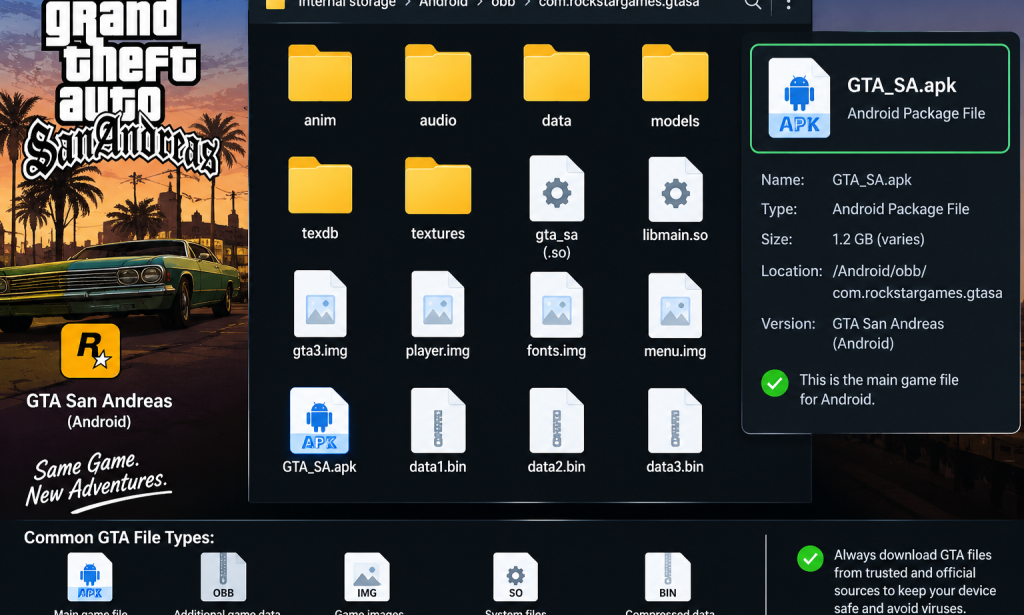
📂 4. What Is a GTA Game File?
A GTA game file contains the data needed to install or run a particular version of the game.
Depending on the platform, you may encounter file formats such as APK, OBB, or compressed archives. These formats are not interchangeable, and an unofficial file may be incomplete, incompatible, or unsafe.
Important: Avoid downloading unknown game files from suspicious websites. They may contain malware or damage your device.
🆓 5. Can You Get GTA for Free?
Some GTA promotions or subscriptions may provide access to particular games under specific conditions. However, most full GTA releases are paid games.
To avoid scams:
Check official promotions.
Look for legitimate offers from authorized stores.
Avoid websites promising every GTA game for free.
Never disable your phone's security protections to install an unknown file.
✅ CONCLUSION
GTA is an exciting gaming series, but downloading the correct version is important. Always check device compatibility and use trusted sources to protect your phone or computer.
🎮 Which GTA game do you want to download?
💬 Comment below: 1. GTA San Andreas
2. GTA Vice City
3. GTA V
4. GTA III
👍 Like this article, share it with your gaming friends, and follow Vîçky Téè for more gaming tips, technology tutorials, and entertainment!


You must be logged in to post a comment.